AI for self-managed HOAs

Put AI to work on your community tasks

Find the information you need and prepare the work in front of you. HOA Central’s AI tools help your board draft violation notices and get product guidance. The optional accounting AI assistant helps turn community financial records into budget scenarios, reports and editable board presentations.

Book a demo
AI notice draft

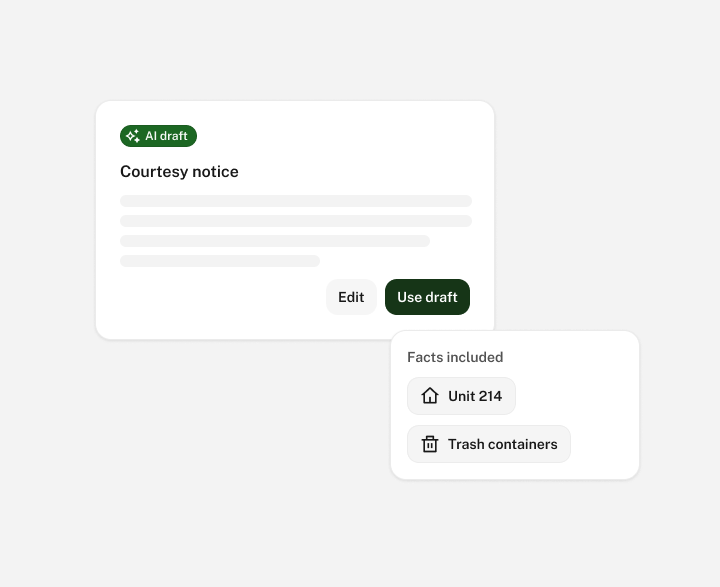
Get a useful starting point for notices

A violation notice needs the right facts and a clear explanation of what the owner should do next.

Use AI assistance to prepare a first draft, then refine the wording for your community. Check the rule, property details, response deadline and next step before sending. Your board sets the policy and approves the message. AI helps with the preparation.

AI document summary

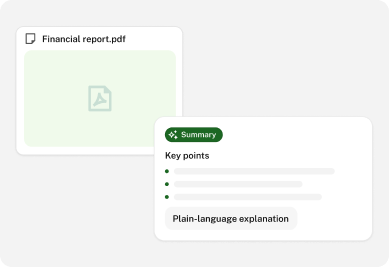
Get help understanding the documents you are working with

The accounting AI assistant can help find and summarize information in the documents available to it. Use that help when you need to review a lengthy financial report or prepare a plain-language explanation for a board discussion.

More detail

Keep the original source close to the answer. A summary can help you understand a document, while the document itself remains the reference for the decision. Access follows the information available to your account.

AI overdue balances

See which owner accounts need attention

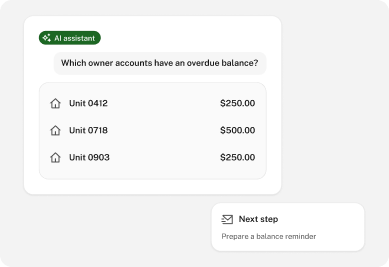
With the accounting AI assistant, ask about unpaid owner balances, payments received, supplier invoices and spending. A treasurer can start with a question such as “Which owner accounts have an overdue balance?” and use the results to prepare the next collection review.

More detail

Review the account activity before deciding on follow-up. Recent payments, credits or an agreed arrangement can change the next step. AI helps assemble the information so your board or in-house manager can work from the relevant records.

AI budget scenario

Build budget drafts and compare your options

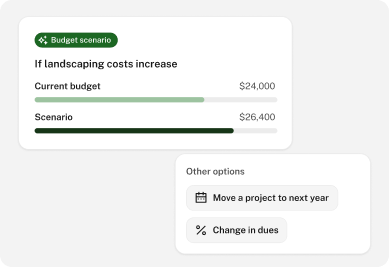
Use the current budget and available financial history to prepare a forecast. Explore what happens if landscaping costs increase, a maintenance project moves into next year, or the board considers a change in dues.

More detail

The assistant can help develop multi-year scenarios and explain the assumptions behind them. Compare the options, revise the inputs and prepare a draft for discussion. Your treasurer reviews the figures, and the budget still follows your community’s usual approval and saving process.

AI board materials

Turn financial information into board meeting materials

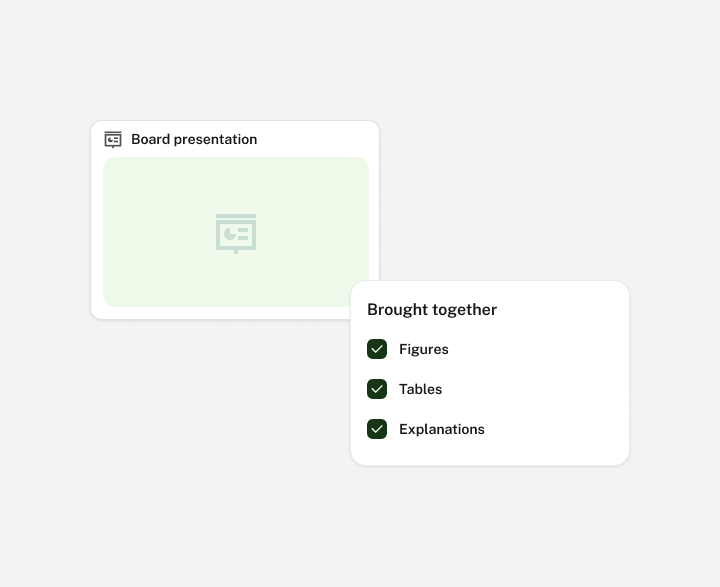
Ask for a financial report or an editable board presentation using the information your account can access. Bring together the figures, tables and explanations that will help the board understand the issue being discussed.

For example, prepare a presentation covering year-to-date results, expenses that differ from the budget and owner balances requiring attention. Edit the slides and speaker notes before the meeting. Reports can also be prepared in familiar formats, including PDF, Excel and Word, so the output can fit the way your board works.

In-app AI guidance

Get help with a task when you need it

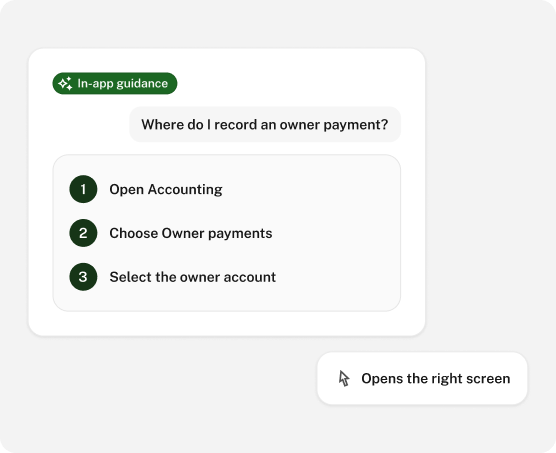
A new treasurer may know what they want to accomplish without knowing where that task lives in the software. In-app AI guidance helps people find the relevant screen and understand the next step.

Ask how to locate a budget, review an owner account or find a report. AI support can also answer product questions outside the support team’s working hours. Contact the support team when an issue needs further attention.

AI setup

Choose the AI capabilities that fit your setup

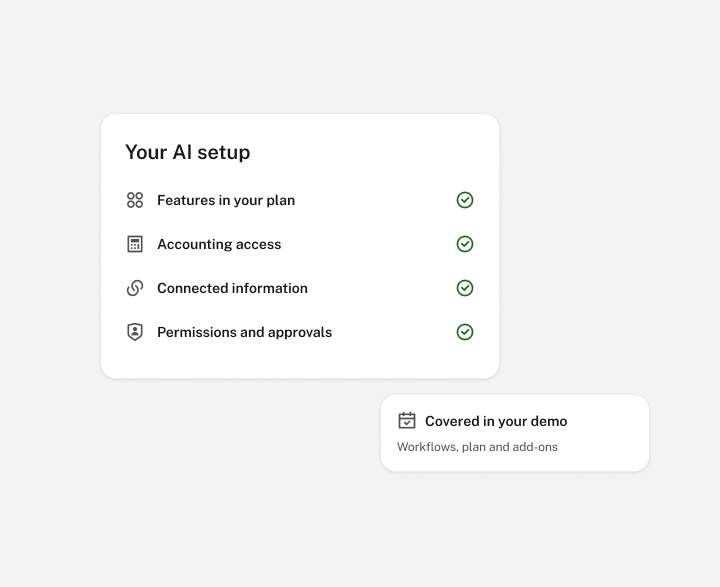
AI assistance works with the features, accounting access and connected information available to your community. During your demo, we can show the relevant workflows and explain the required plan and add-ons. Permissions and approval steps remain part of the process.

FAQ

Frequently asked questions

What can AI help a self-managed HOA do?

AI tools can help draft violation notices and answer product questions. The optional accounting assistant can help find and summarize accessible documents, review authorized financial records, explore budget scenarios, and create reports or board presentations.

Can AI tell us which owners owe fees?

The accounting assistant can help identify unpaid balances and review payments using the financial records available to your account. Review the current ledger and any payment arrangements before deciding what follow-up is needed.

Can it create our annual budget?

It can prepare drafts and scenarios using your budget, available history and assumptions. Your treasurer and board review the proposal and complete the normal approval process. A forecast is a planning tool, not an approved budget.

Can we edit a presentation after AI creates it?

Yes. Presentations are editable PowerPoint files. You can revise the explanation, figures, slides and speaker notes before sharing them with the board.

Does AI get access to every community record?

Its work is limited by the permissions, supported features and connected information available to the user. A request for help does not grant additional access.

Is the accounting AI assistant included in every subscription?

The accounting assistant is an add-on. We will explain the available AI capabilities and any related subscription requirements for your community during the demo.