
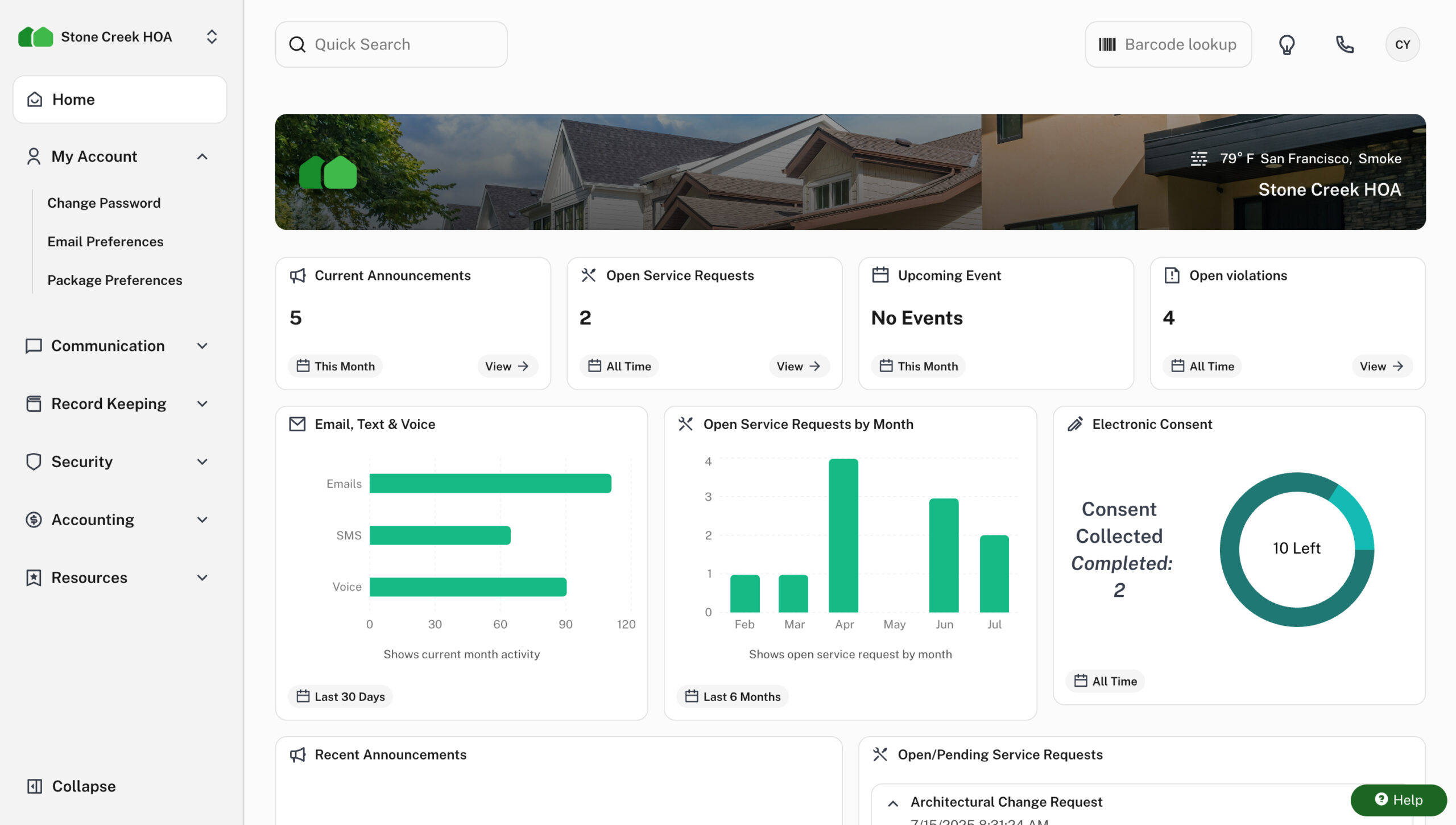
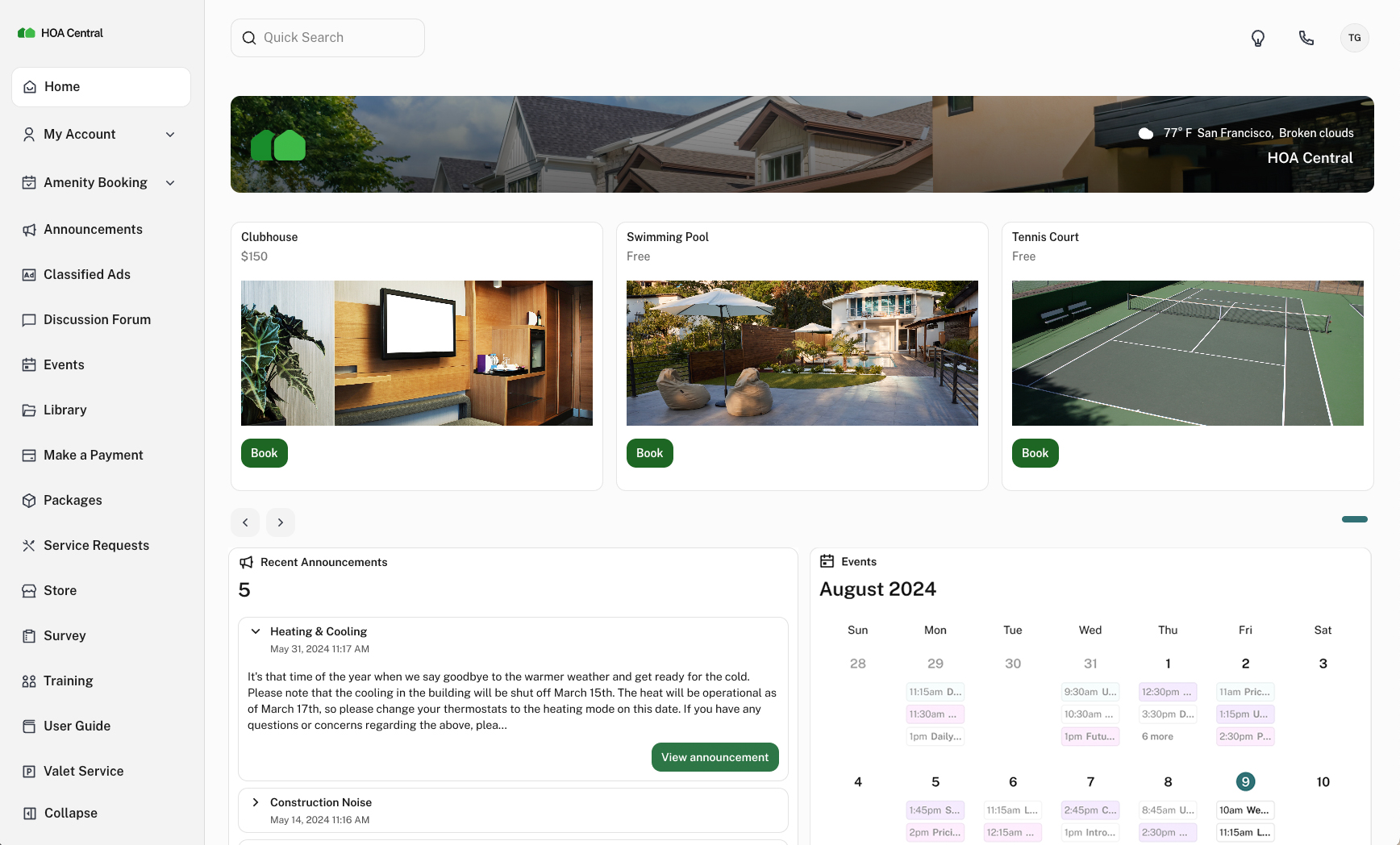


HOA management software for self-managed communities



From the team behind Condo Control
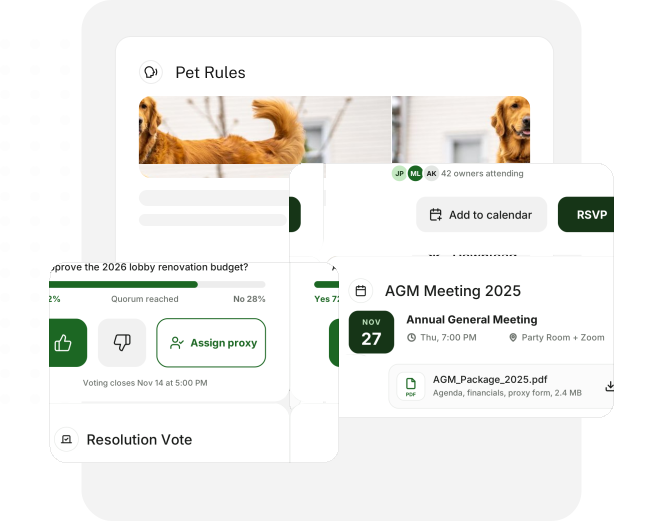
Keep homeowners informed and involved
Share updates, organize community events and give residents an easy way to find information, whether they are at home or on the go.
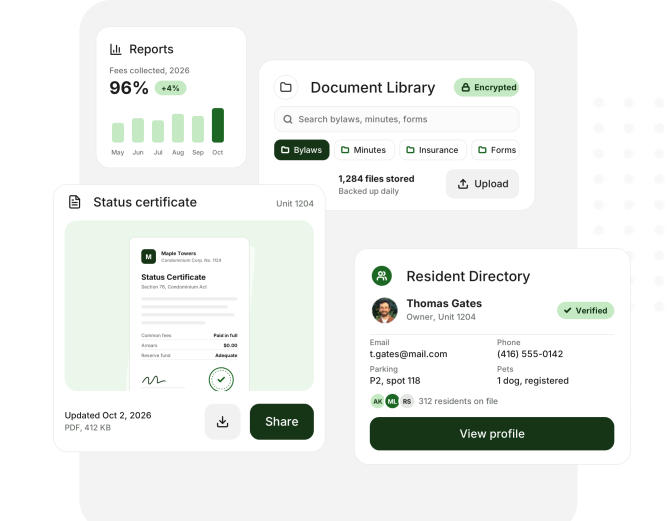
Find community records without the search
Keep governing documents, meeting minutes and resident information organized. Give the right people access and make handovers easier when board members or staff change.
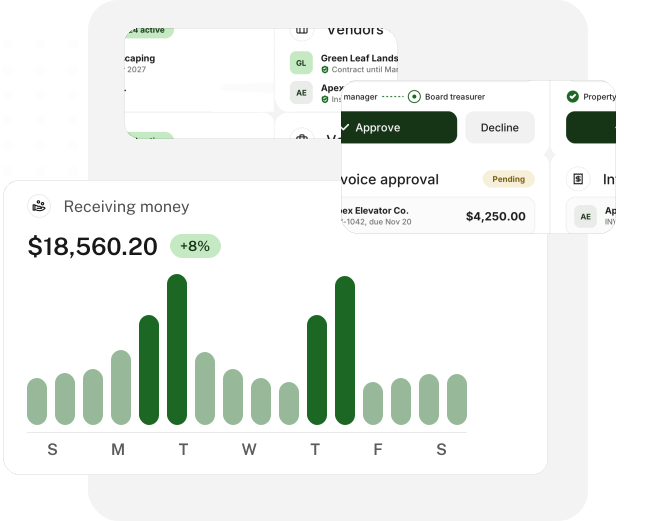
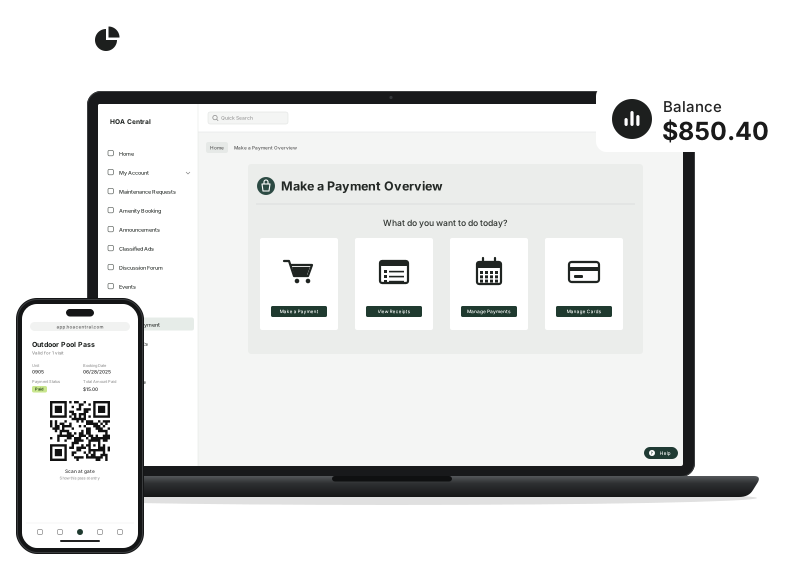
Stay on top of your HOA finances
Track dues and owner balances, review bills and compare spending with the budget. Keep your board informed with financial reports built from your community records.
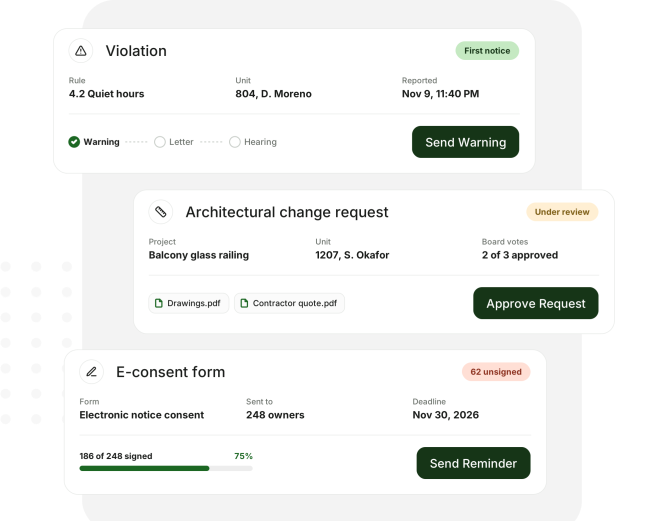
Give community decisions a clear process
Review architectural requests, follow up on violations and keep the supporting history together. Help your board make decisions and keep homeowners informed about the next step.
Keep your community in control of its finances, decisions and daily work. Give everyone responsible for running the HOA a shared place to work.
- Manage dues and expenses
- Keep community records together
- Make board handovers easier

Organize requests, resident communication and vendor follow-up in one place. Keep the board informed as work progresses.
- Track requests and open issues
- Find records without searching inboxes
- Prepare clear board updates

Review financial information, take part in approvals and stay involved between meetings, wherever you are.
- Review budgets and reports
- Access minutes and supporting records
- Follow requests through the review process

Give homeowners a convenient way to handle everyday community tasks through the resident portal and mobile app.
- Pay fees and view updates
- Submit requests and find documents
- Book available community amenities


Connect supported accounting, payment and access systems to fit the way your HOA works.
Explore integrationsWhat is HOA Central?
HOA Central is HOA management software that brings accounting, resident communication, requests and records together for the people running your community.
Is HOA Central for self-managed communities?
Yes. It supports HOAs run by volunteer boards and communities that employ an in-house manager, with tools for both daily work and board oversight.
Does HOA Central offer accounting?
Yes. Manage dues, owner balances, payables, bank reconciliation, budgets and financial reports. Managed accounting services are also available for communities that want bookkeeping support.
How much does HOA Central cost?
Pricing depends on your community and the features and services you choose. Book a demo to discuss the right setup for your HOA.
Can we use HOA Central with other software?
HOA Central supports accounting, payment and access integrations. Our team can explain which connections work with your current systems.