Website Builder

An HOA website builder that makes information easy to find

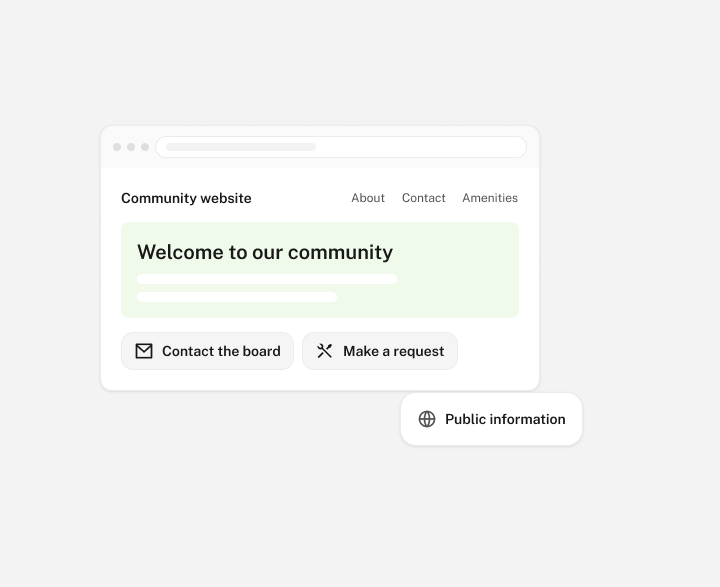
Give your self-managed community a public website that introduces the neighborhood and explains where to go for help. Bring community details, general updates and contact information together, so your board or in-house manager has a dependable place to direct residents and visitors.

Book a demo

Give everyday questions a place to go

A new homeowner wants to contact the board. A prospective buyer wants to understand the community. A resident needs to know where to start with a request. An official HOA website can answer those first questions before they become another email.

Use your website to explain the basics in plain language: what your community offers, how to reach the right person and where residents should go for community services. Group related information under headings people recognize. A short, well-organized site is easier to use and maintain than a collection of pages with no clear purpose.

Keep routine updates within reach of your team

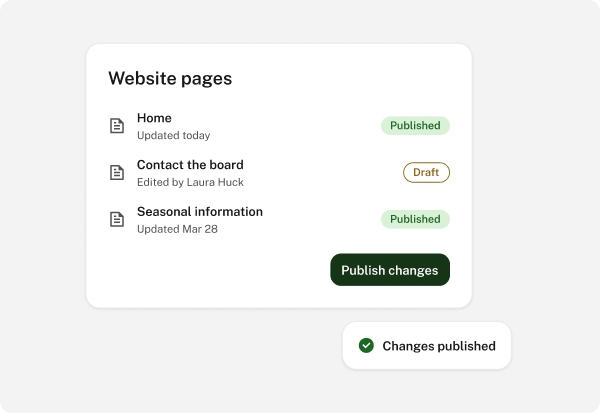
Your website should reflect the community as it is today. When a contact changes, a new volunteer group forms or seasonal information needs updating, the public information should change with it. Website publishing gives your board a way to maintain those details as part of its regular communication work.

More detail

Assign the work to someone who already knows the information. A director might maintain board contact details, while an in-house manager prepares general service information. Agree who checks a change before it goes live, and use announcements and notices when an update needs residents' attention.

Explain the difference between your website and resident portal

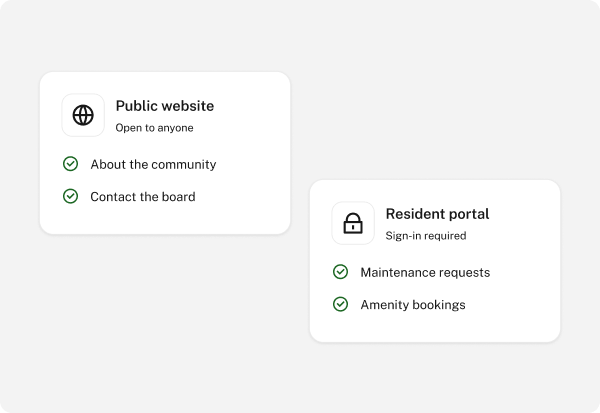
A public website introduces your community and shares information intended for anyone to read. The resident portal serves people carrying out community tasks, such as submitting a maintenance request or arranging an amenity booking. Explain where each task belongs so homeowners can find the right starting point.

More detail

Keep personal account information, resident records and board working material in the appropriate community tools. Use digital document storage to organize files for their intended audience. Your public website can explain how residents obtain information without putting every document on public display.

Help new neighbors understand the community

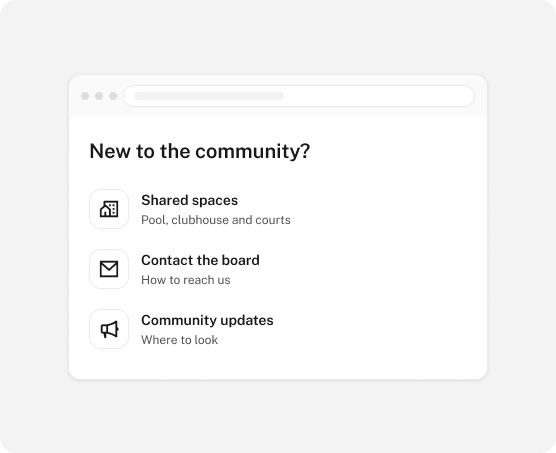
Moving into an HOA brings practical questions. What shared spaces are available? How does someone contact the board? Where should they look for updates? A useful introduction gives new residents a sense of the place and the next steps to take.

Describe amenities accurately and use community photos you have permission to publish. Explain how someone can learn about volunteer opportunities or find out about upcoming activities. For prospective residents, those details offer a more helpful picture than a few broad promises about community life.

Make the website easier to maintain through board changes

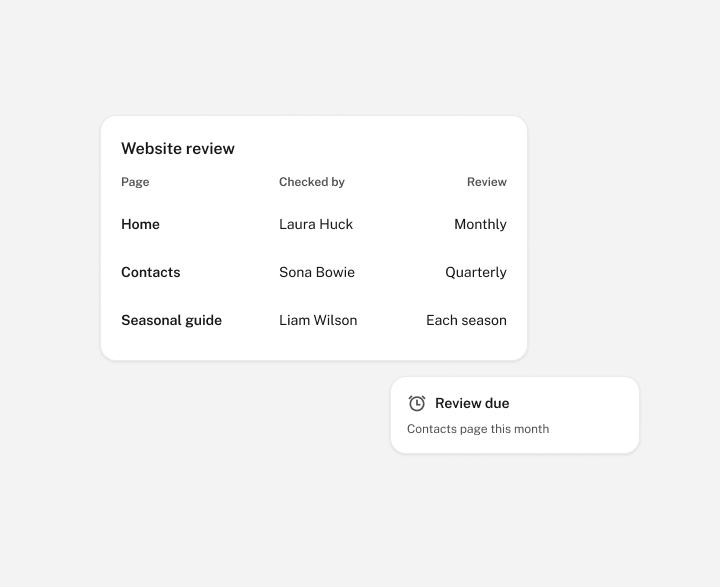
A website is a continuing responsibility. Keep a simple list of its main pages, who checks each one and when the information should be reviewed. Remove outdated contacts, revisit seasonal guidance and check any instructions that have changed.

Include website responsibilities in your board handover. The next volunteer or manager should understand what is published, where the information comes from and whom to ask when something needs updating. That routine helps your HOA preserve a familiar public presence as the people doing the work change.

FAQ

Frequently asked questions

What should a self-managed HOA put on its public website?

Start with a community introduction, general contact information, an overview of amenities and instructions for finding resident services. Add public updates that are useful to your audience. Prioritize information your board can keep current.

Is a community website the same as a resident portal?

They serve different purposes. The public website explains the community to residents and visitors. HOA Central's resident portal supports everyday resident tasks. Present each clearly so people know where to look for information and where to complete a request.

Can an in-house manager help maintain the website?

Yes. The manager can prepare community information and coordinate updates with the board. Decide who is responsible for the content and who reviews it. A volunteer board can follow the same routine with a designated director or committee member.

Should all HOA documents be published on the public website?

Choose material for its intended audience. General information may belong on the public site, while personal records and board working files belong in the appropriate community tools. HOA Central's document storage provides permissions for managing access to shared files.

What should we bring to a website builder demo?

Bring your current website, if you have one, along with the pages you want and examples of changes your team makes regularly. We can discuss how publishing would work for your community and the website services available to you.